
Add Merge Fields
Add Merge Fields in the Document Template to pull details from the associated Reservation, Unit, Property, or Corporate Client.
Place the cursor where the data should appear.
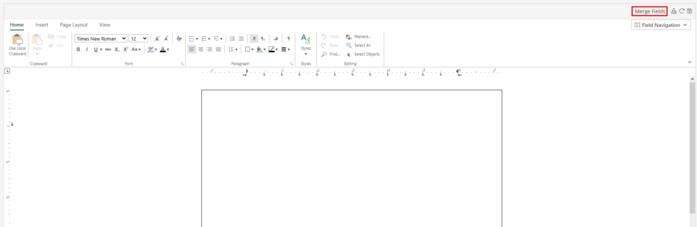
In the upper right hand corner, click Merge Fields. This will open up the Insert Merge Field list.
Select the field to insert by single clicking on the field. Continue to select fields by placing the cursor in the document and repeat the above steps. Close out of the Insert Merge Field list by clicking  .
.
.