
Add Tasks to a Template
To add a Task to the Template Header, click  , which will open the Add Task window.
, which will open the Add Task window.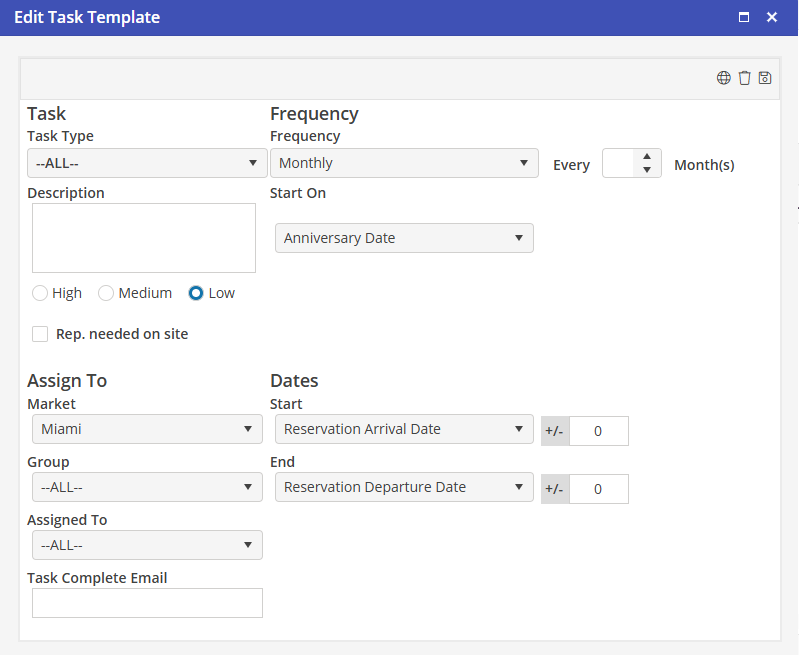
Setup the Task as it normally would be entered. Keep in mind that Users will be selecting a Template and not verifying the start dates for Tasks. This process may require some Task management to make sure that a Housekeeping Task does not end up on a weekend.
Click  to save the Task to the Template.
to save the Task to the Template.Add as many Tasks to a Template as required by clicking .
.