
Copy a Task Template
Copying a Task Template, after Tasks are added, allows the User to create a new Task Template using the Tasks associated with another Template, or to create the same Task Template for another market.
Find the Task Template to copy and open it. Click  . A dialog box will ask;
. A dialog box will ask;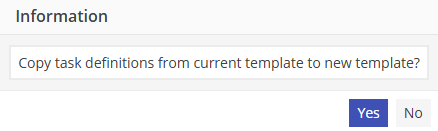
Select Yes to create a new Task Template by copying the existing one.
Either:
1. Change the name to create a new Template with the existing Tasks.
2. Change the Market to create the SAME Template in another Market.
Click  to save the Template.
to save the Template.If the Market was changed, option 2 above, the User will get the following prompt;
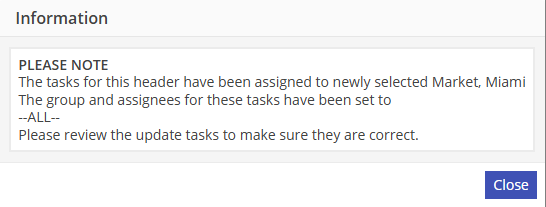
The Market will be set to the newly selected Market and the Group and Assignee will be set to –ALL--.