
Creating a Lead from an open Lead record
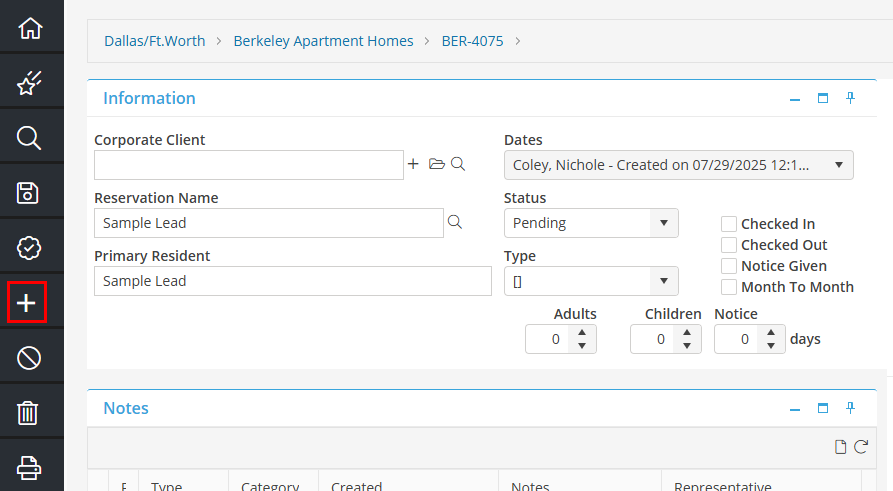
From an open Lead record, click 'New' from the left hand menu.
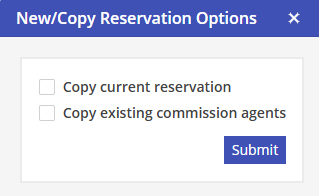
New/Copy Reservation Options will populate.
Copy Current Reservation: Check to copy to following fields to the new lead: Corporate Client, Reservation Name,, Type, Notice Days, Address: Attention, Address 1, Address 2, City, State/Province, Postal Code, Country, Communication: Day Phone, Night Phone, Fax, e-mail. When copying a Reservation, re-select the appropriate booking Market prior to saving. The Lead will default to the selected Unit and the Arrival Date that the Lead was initiated from.
Copy Existing Commission Agents: All Commission Agents and details assigned will be copied to the new Lead.
Once the information has been entered, click 'Save' from the left hand menu.