
Creating a Lead from the Menu
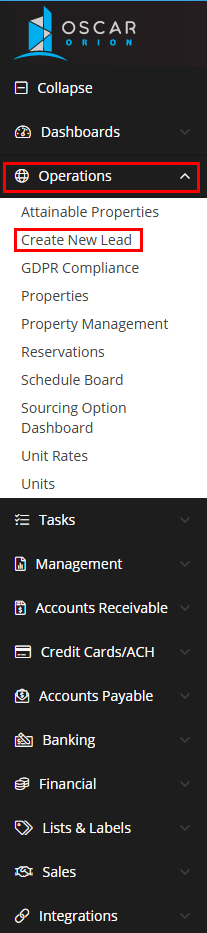
From the left hand Orion menu, expand the Operations tab and select Create New Lead.
A new Lead record will now be displayed. Enter in the information, and select 'Save' in the left hand menu. The Lead has now been successfully created.