
Emails
Emails sent from the Prospect record will be maintained on the Email tab.
View Email
To view an email, click on the associated line.
Create new email
To send an Email to a Prospect Contact, select  in the upper right hand corner.
in the upper right hand corner. The New Message “To:” field will auto populate with the Contact email from the selected record on the General Tab.
Email sent from this process will automatically be copied to the Oscar Orion Users Email.
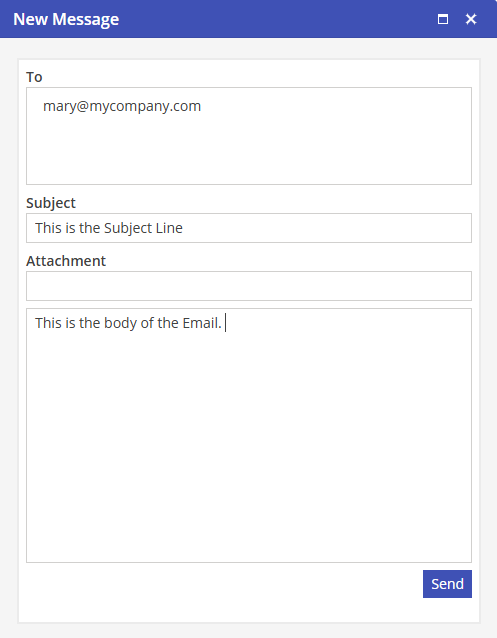
Select  to send the email.
to send the email.