
Notes
Notes may be added to the Prospect record from the Notes Card.
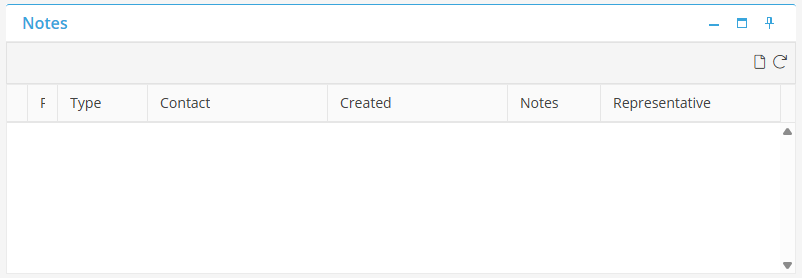
To add a note, select  in the upper right hand corner.
in the upper right hand corner. 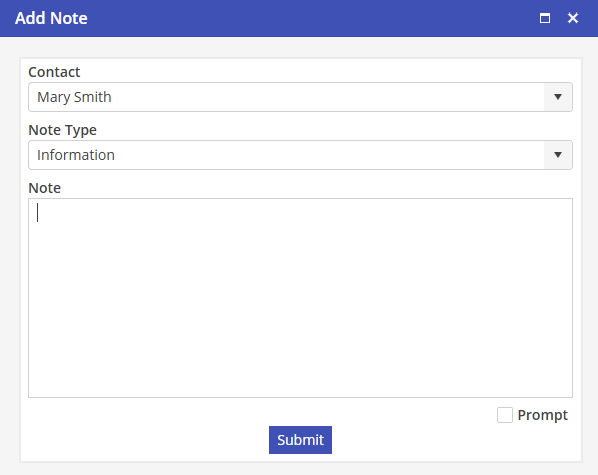
Select the Contact for the note.
Select a Note Type. Choose from Information, Flag, Important, Urgent or Accounting.
Select  to save then note.
to save then note.