
Leads History
Leads may be created with a Prospect record. To use this feature, “Prospects can be added to Leads” must be enabled in Sales > Sales Settings > General.
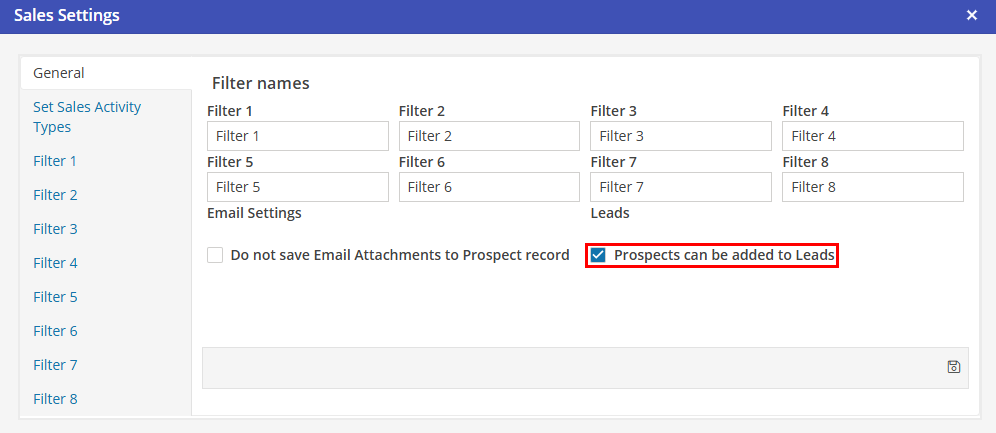
Without this setting populated, Leads that contain a Prospect record may not be booked until the Prospect is converted to a Corporate Client.
View Leads
To view a Prospect Lead, click on the associated line. Once the Prospect has been converted to a Corporate Client, all associated Leads will still be associated with the Corporate Client record. In addition, after the Leads have been booked, Reservations will also be available from this screen.
Create new lead
To create a Lead for a Prospect, select  in the upper right hand corner. This will open a new Lead screen with the Prospect pre-populated.
in the upper right hand corner. This will open a new Lead screen with the Prospect pre-populated.