
Lead to a Priority
To Book a Priority Reservation, the Reservation Status must be set to the "Priority Reservations Status" selected in Program Settings. The Reservation Status may not be changed while it is booked in a Virtual Unit as a Priority Reservation.
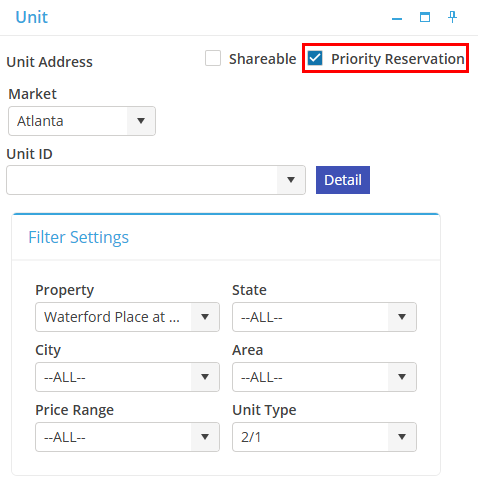
To book a Lead into a Virtual Unit, within the Unit card the Reservation Location tab must contain a Market, a Property, and a Unit Type; but it may not contain a Unit ID.
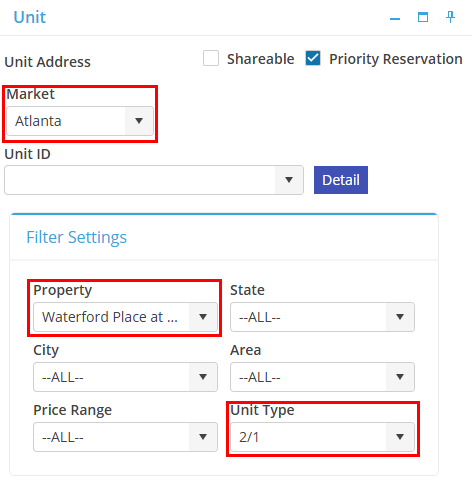
Select  to book the Priority Reservation.
to book the Priority Reservation.After booking a Priority Reservation, the Transfer functionality is disabled for the Priority Reservation.