
Process
Open the document that will be sent by double clicking on the document or highlighting the document and clicking open.
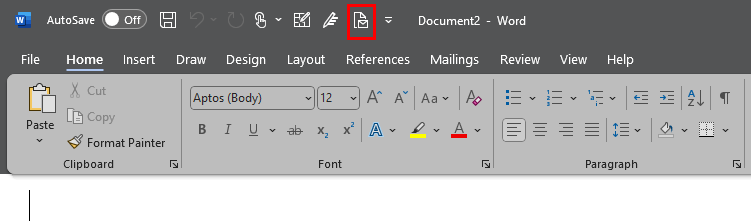
In the Quick Access Toolbar, select the Send to Mail Recipient option.
The merged document will now be contained in an inline email.
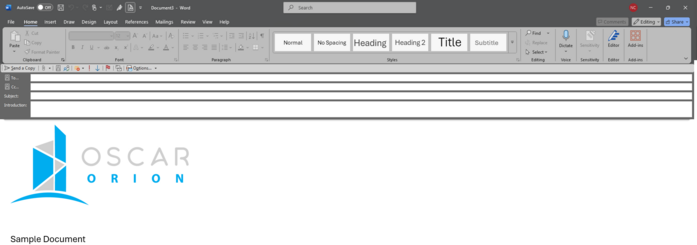
Address the email as usual and send. Documents sent using this process will also show in the Users sent email folder in Outlook.