
Statuses
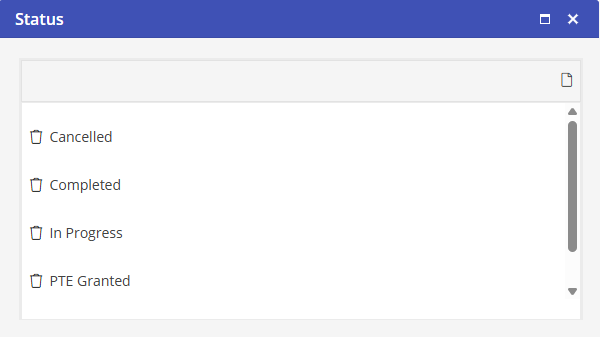
Statuses are the positions that the Work Order will use as it ages. Since there is automation associated with some of the Statuses, these may not be edited or deleted. These Statuses are Canceled, Completed and In Progress.
Once a Work Order is created it will automatically move to the “In Progress” status. Software Answers recommends that “Permission to Enter” be added to the Status List. This will allow you to receive Permission to Enter from the Resident and then update the Work Order. This would indicate that the Work Order may be started and the assignee has permission to enter the Property or Unit. The Work Order Status may be filtered on the Work Order Dashboard and is also displayed on the Work Order Dashboard.
New Status
Select  to create a new Status.
to create a new Status.Enter the name of the Status.
Select Submit to save the Status.
Edit a Status
Click the Status to edit to open the Edit Status Type window.
Delete a Status
Select  to delete a Status.
to delete a Status.