
Escalation Levels
Escalation Levels are the amount of time until an open Work Order is emailed to the next recipient if not Completed or Canceled within the determined amount of time. If a Work Order is Completed or Canceled, it will not escalate to the next Escalation level.
The same list of Escalation Levels will be used for the progression of all Work Types. On Reservations that do not contain a Corporate Client, the standard Escalation Level list cannot be adjusted per Work Types. On the Corporate Client record, the Escalation Levels may be downloaded and adjusted. This allows customizable Escalation Levels per Corporate Client.
Create an Escalation Level
Select  to create a new Escalation Level.
to create a new Escalation Level.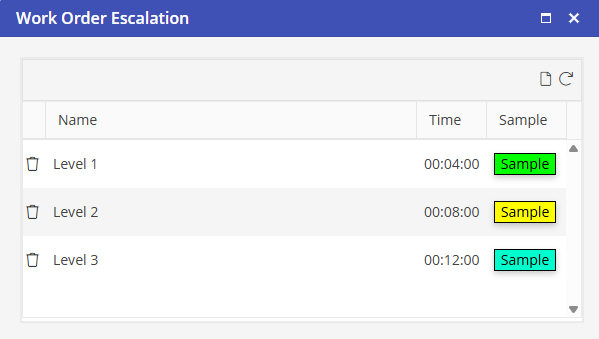
Type the name of this Escalation Level. Select a color that will be associated with this Escalation Level. Type the email address of the User who will be emailed if the open Work Order reaches this Escalation Level. Select the time to associate with this Escalation Level.
Select Submit button to save the Escalation Level.
Create other Escalation Levels as needed.
Edit an Escalation Level
Click on the Escalation Level you would like to edit to open. Once you have made your changes, select Submit button.
Delete an Escalation Level
Select  to delete an Escalation level.
to delete an Escalation level.